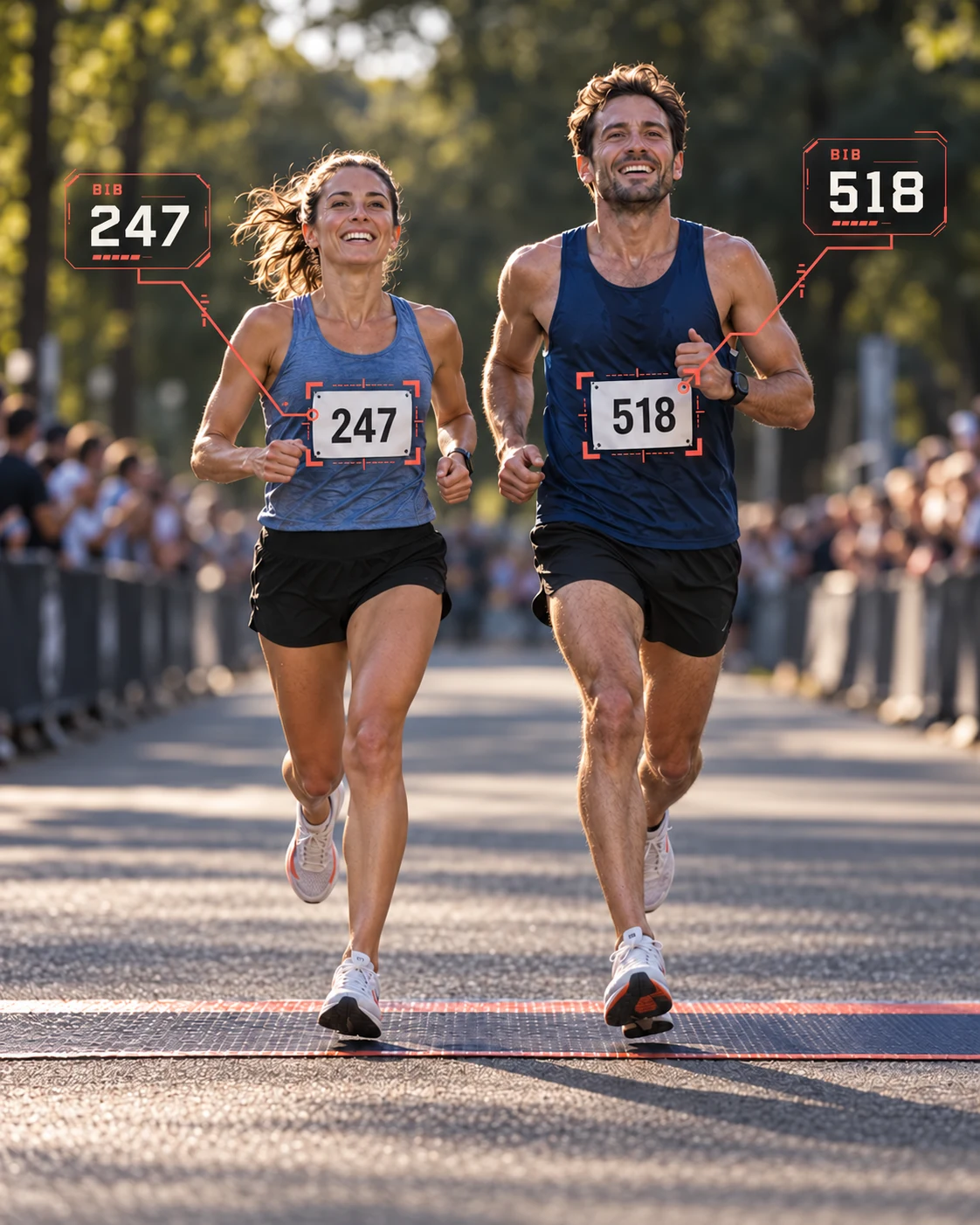
Timing Eyes turns finish-line video into a searchable record of bibs
and crossings. A clearer way to check your results. An answer you
can show your runners.
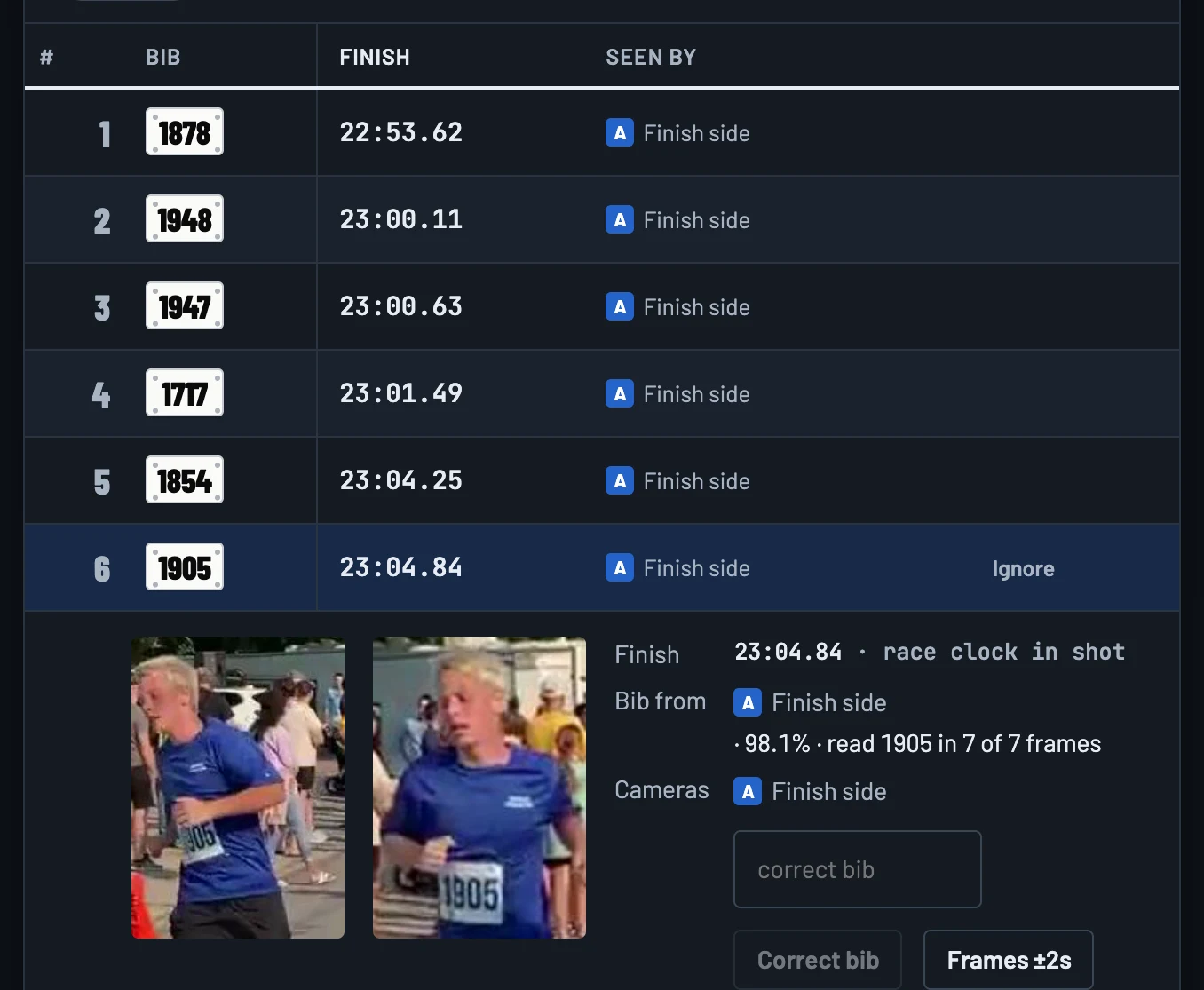
Timing Eyes reads bibs from video and brings crossings into a
results list, with images you can open and review. You can check a
read, correct a bib and export your results.
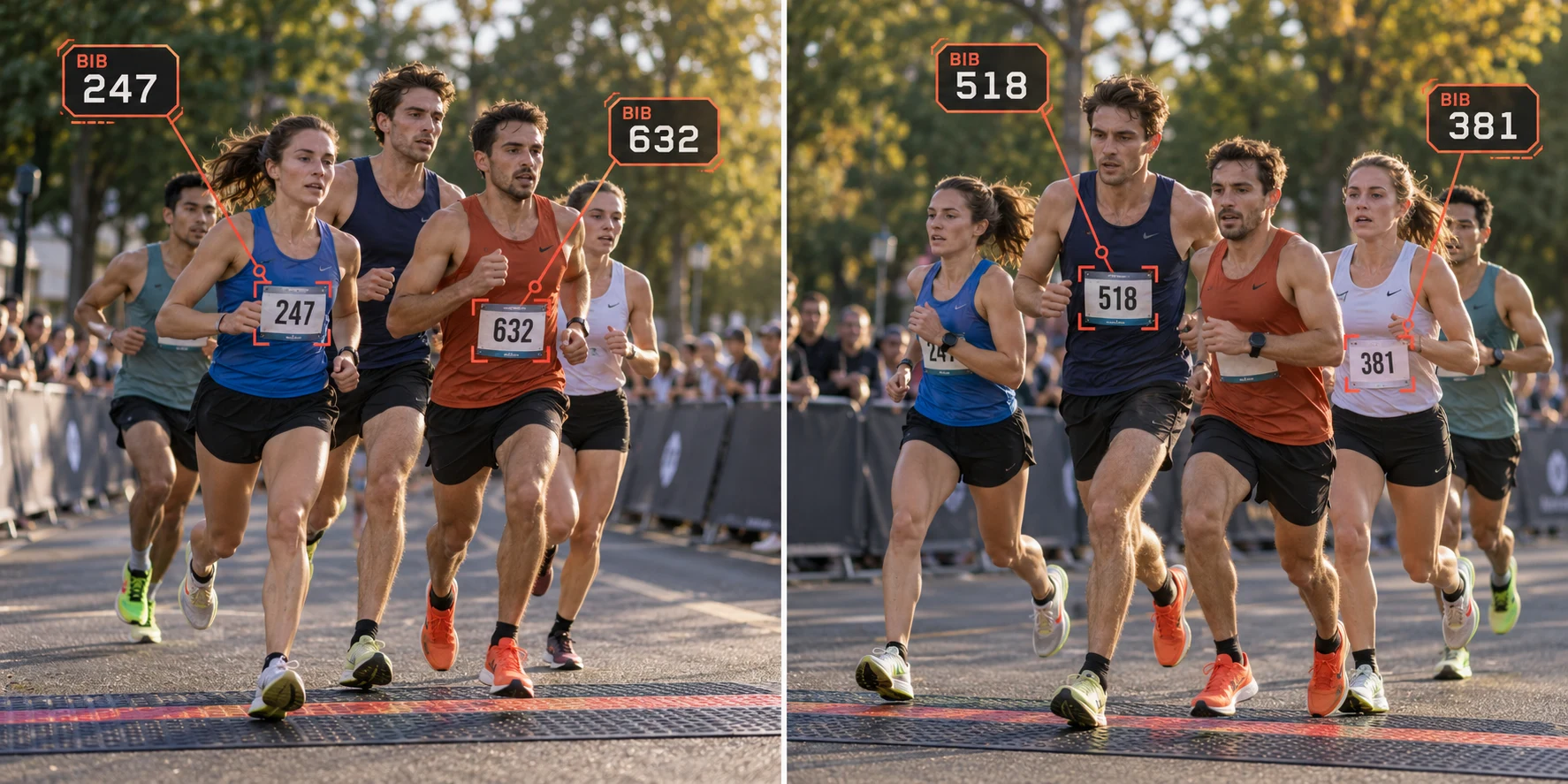
What’s hidden from one camera can be clear to another.
Position cameras around a timing point. Timing Eyes brings their bib
reads into one results view, with images from each angle available to
check.
Camera on the left
Clear from this side:
247
and
632
.
Camera on the right
Clear from this side:
518
and
381
.
Concept illustration · two of the possible camera angles
One place to review it all.
Reads of the same bib are brought together. A read from any camera
adds to the picture, so your team can check multiple angles
without juggling separate results lists.
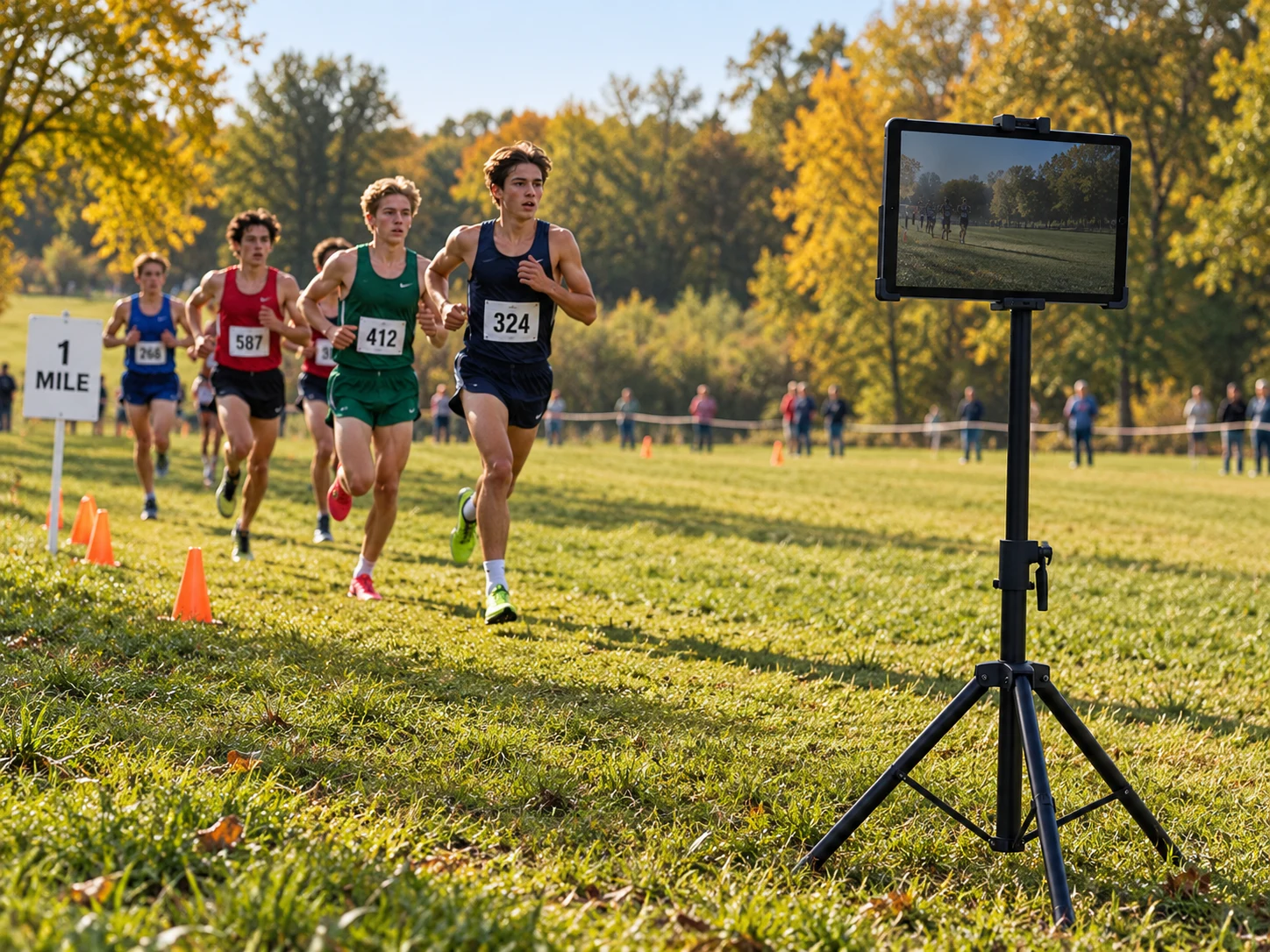
A mile split can start with a tablet and a tripod.
Set up beside the course and record runners as they pass a mile
marker, a checkpoint or another split. Give your team a picture of
the race while it’s still unfolding.
Record on the device and bring its footage and bib reads back
after the race. With internet, a connected tablet can send
crossings and images to your timing desk along the way.
Timing Eyes is your visual backup today. Keep your primary
timing system and use the camera record as another source when
you check results. It does not guarantee an official time or a
read for every runner.
Do I need to be technical?
The setup is visual: choose the camera view, mark the line and
enter your bib range. You can start with recorded footage to
learn the process. Request a demo and we’ll show you what running
it involves.
Will I have to buy expensive hardware?
You may be able to use an iPad or a computer and camera you
already own. Hardware is separate from the software license.
Before you buy anything, talk to us about your device, race size
and camera view so you can budget for a suitable setup.
With a standard license, a standalone iPad or computer can work
offline for up to 30 days after its last successful online
license check. Connect before your event to refresh the check.
Footage is processed locally. Connected iPads need internet to
send results to the computer; they queue uploads while
disconnected.
How can I be confident it will work for my race?
Try your intended setup with representative footage and a
practice crossing before race day. A clear camera view and
readable bibs matter. Saved footage and attached images give you
a way to review what was captured; no camera setup can promise
to see or read every runner.